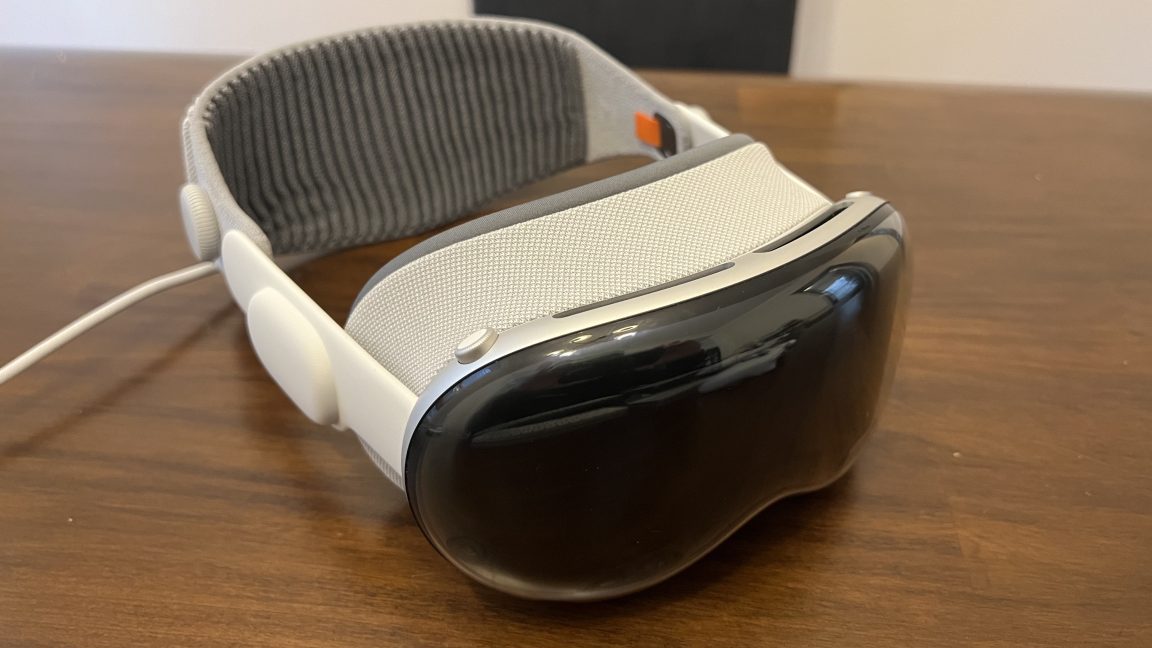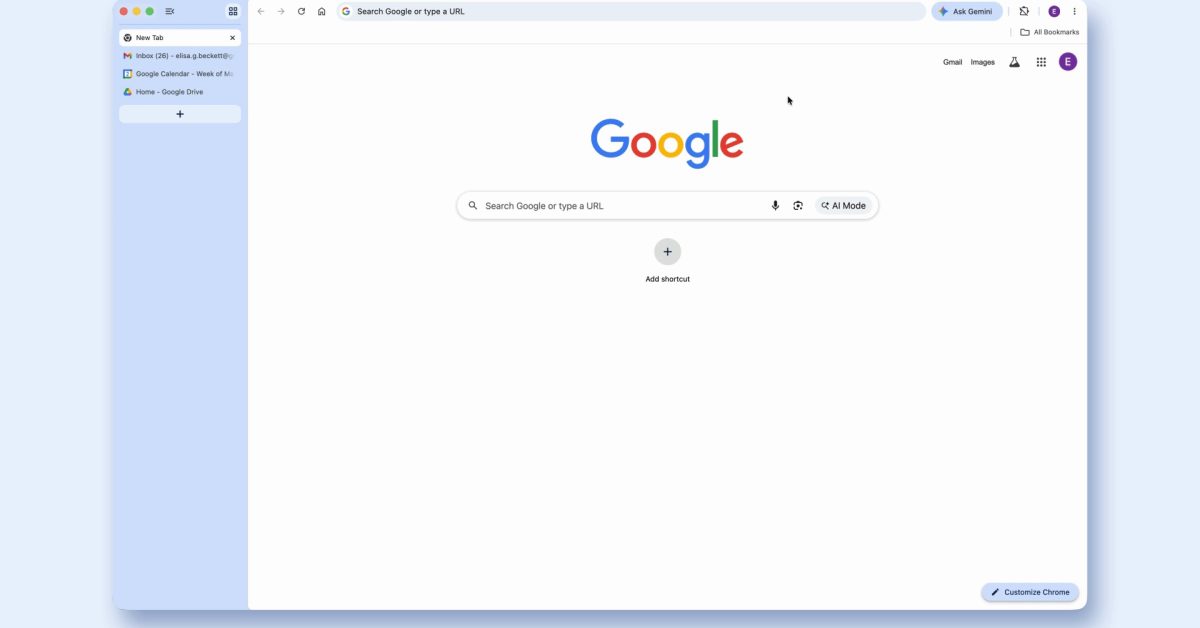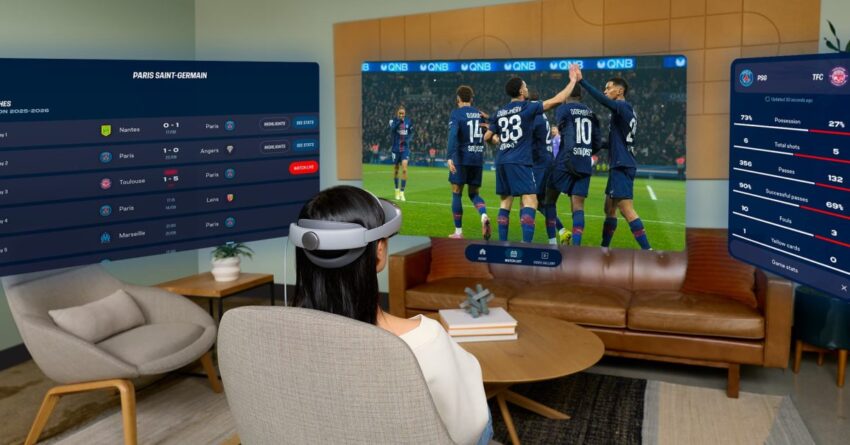
android xr brings app pinning resume and Google has announced a significant update to Android XR, enhancing the user experience on the Galaxy XR with new features aimed at improving app functionality and overall usability.
android xr brings app pinning resume and
Overview of Android XR Update
The latest Android XR update introduces several quality-of-life improvements designed to streamline user interactions and enhance the immersive experience of the Galaxy XR. This update is particularly important as it reflects Google’s ongoing commitment to refining its augmented reality (AR) and virtual reality (VR) platforms. The enhancements include app pinning, resume capabilities, and auto-spatialization, which collectively aim to create a more seamless and engaging user experience.
Key Features of the Update
App Pinning
One of the standout features of this update is the app pinning functionality. This allows users to pin their favorite applications directly to the Galaxy XR interface, making them easily accessible at any time. This feature is particularly beneficial in a multi-tasking environment, where users often switch between various applications. By pinning essential apps, users can save time and enhance their productivity, whether they are working on a project, engaging in gaming, or exploring AR content.
Resume Capabilities
The resume capabilities introduced in this update allow users to pick up right where they left off in their applications. This feature is crucial for maintaining continuity in user experiences, especially in immersive environments where interruptions can disrupt the flow of interaction. For instance, if a user is engaged in a VR game or an AR application and needs to step away, they can return to the exact point they left off without having to navigate through menus or restart the application.
Auto-Spatialization
Another significant enhancement is the auto-spatialization feature, which automatically adjusts the spatial layout of applications based on the user’s environment. This means that applications will adapt to the physical space around the user, providing a more immersive experience. For example, if a user is in a room with various objects, the app can recognize these elements and adjust its interface accordingly, enhancing the interaction and making it feel more natural. This feature is particularly relevant for AR applications, where the integration of digital content with the real world is essential for a compelling user experience.
Implications for Users
The introduction of these features has several implications for users of the Galaxy XR. Firstly, the app pinning functionality can significantly enhance productivity, allowing users to have quick access to frequently used applications. This is especially useful for professionals who rely on specific tools for their work, as it reduces the time spent navigating through menus to find the right app.
Moreover, the resume capabilities ensure that users can maintain their workflow without interruptions, which is crucial in both professional and recreational contexts. For gamers and content creators, this means less frustration and a more enjoyable experience, as they can dive back into their activities without losing progress.
The auto-spatialization feature further enriches the user experience by creating a more immersive environment. As AR technology continues to evolve, the ability for applications to adapt to their surroundings will become increasingly important. This feature not only enhances the usability of applications but also encourages developers to create more innovative and engaging content that leverages the unique capabilities of the Galaxy XR.
Developer Opportunities
With the rollout of the Android XR update, developers are presented with new opportunities to create applications that take full advantage of the enhanced features. The app pinning and resume capabilities allow developers to design applications that prioritize user accessibility and continuity. This can lead to the development of more complex and engaging applications that cater to the needs of users who demand efficiency and ease of use.
Furthermore, the auto-spatialization feature opens up new avenues for creativity in app design. Developers can create applications that interact with the physical environment in innovative ways, leading to a richer user experience. This could include educational tools that utilize AR to teach users about their surroundings or gaming experiences that integrate real-world elements into gameplay.
Stakeholder Reactions
The response to the Android XR update has been largely positive among stakeholders, including users, developers, and industry analysts. Users have expressed enthusiasm for the new features, particularly the app pinning and resume capabilities, which they believe will significantly enhance their experience with the Galaxy XR. Many users have taken to social media to share their excitement and anticipation for the update, highlighting how these features will improve their daily interactions with the device.
Developers have also reacted positively, recognizing the potential for creating more engaging applications that leverage the new capabilities. Many developers are already brainstorming ideas for apps that can utilize the auto-spatialization feature, seeing it as a game-changer for AR experiences. Industry analysts have noted that this update positions Google favorably in the competitive landscape of AR and VR technologies, as it demonstrates a commitment to continuous improvement and innovation.
Context and Background
The Android XR update is part of a broader trend in the tech industry, where companies are increasingly focusing on enhancing user experiences in AR and VR environments. As these technologies become more mainstream, the demand for intuitive and user-friendly applications is growing. Google’s update reflects an understanding of this demand and a willingness to invest in features that improve usability and engagement.
Historically, Google has been at the forefront of AR and VR development, with projects like Google Glass and the Daydream VR platform. However, the company has faced challenges in gaining widespread adoption of its AR and VR technologies. The introduction of features like app pinning, resume capabilities, and auto-spatialization could help bridge the gap between technology and user experience, making these platforms more appealing to a broader audience.
Future Developments
Looking ahead, it is likely that Google will continue to refine and expand the capabilities of Android XR. The company has a history of iterative improvements, and user feedback will play a crucial role in shaping future updates. As the AR and VR landscape evolves, Google may introduce additional features that further enhance the user experience, such as improved graphics, more intuitive controls, and expanded compatibility with third-party applications.
Moreover, as more developers create applications that leverage the new features, we can expect to see a wider variety of content available for the Galaxy XR. This could lead to a richer ecosystem of applications, catering to various interests and industries, from gaming and education to healthcare and design.
Conclusion
The recent Android XR update represents a significant step forward for the Galaxy XR, introducing features that enhance usability and engagement. With app pinning, resume capabilities, and auto-spatialization, Google is not only improving the user experience but also empowering developers to create more innovative applications. As the AR and VR landscape continues to evolve, the implications of this update will resonate throughout the industry, shaping the future of immersive technologies.
Source: Original report
Was this helpful?
Explore more: More General Technology Tech News Blog
Last Modified: April 7, 2026 at 10:44 pm
22 views