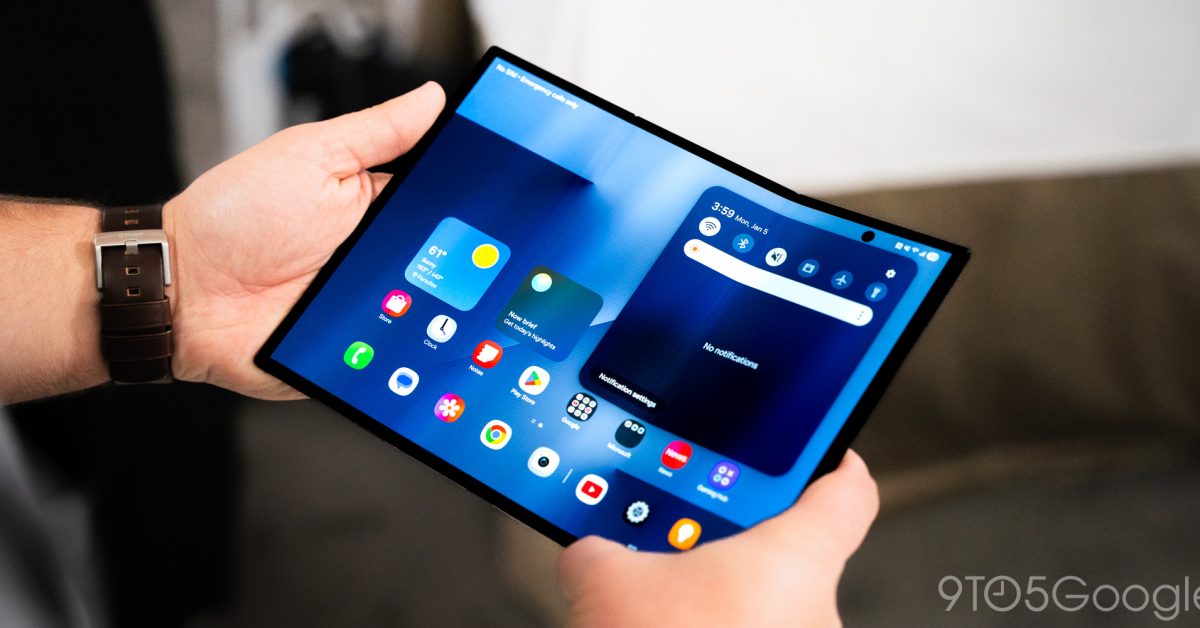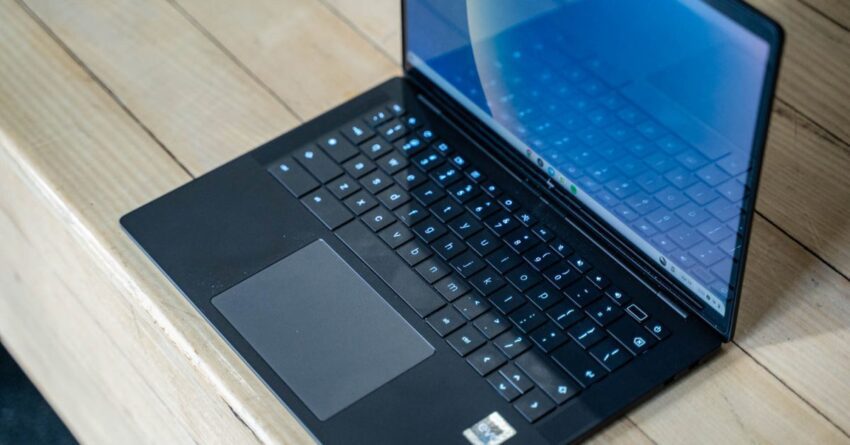
android s full desktop interface leaks new A recent bug report on the Chromium Issue Tracker has unintentionally revealed details about the upcoming Android desktop interface, showcasing a range of features that could significantly alter the user experience.
android s full desktop interface leaks new
Overview of the Leak
The leak originated from a Google bug report that surfaced on the Chromium Issue Tracker, a platform where developers report issues and track the progress of fixes. This particular report provided a glimpse into the Android desktop interface, marking the first time such details have been made public. The implications of this leak are substantial, as it hints at a potential shift in how Android devices could be utilized in desktop environments.
Key Features Revealed
The leaked interface includes several noteworthy features that suggest a more integrated and versatile user experience. Among these features are:
- New Status Bar: The status bar has been redesigned to offer a more streamlined look, which could enhance usability and accessibility for users transitioning from mobile to desktop.
- Chrome Extensions Support: The integration of Chrome Extensions into the Android desktop interface is a significant development. This feature would allow users to customize their browsing experience, similar to what is currently available on traditional desktop operating systems.
- Multi-Window Support: The ability to run multiple applications simultaneously in separate windows is a critical feature for productivity. This capability would enable users to multitask more effectively, a necessity in modern computing.
- Improved File Management: The leak indicates enhancements in file management, which could make it easier for users to navigate their files and applications within the desktop environment.
- Taskbar Functionality: A taskbar similar to those found in Windows and macOS could provide users with quick access to their most-used applications and settings.
Context and Implications
The introduction of a desktop interface for Android is not entirely unexpected. Over the years, Google has been gradually expanding the capabilities of Android to make it more versatile across different devices. The Android operating system has already seen features that blur the lines between mobile and desktop experiences, such as the introduction of Android Auto and the ability to use Android apps on Chromebooks.
However, this leak raises several questions about the future of Android as a desktop operating system. If Google successfully implements a fully functional desktop interface, it could challenge established players in the market, such as Microsoft and Apple. The implications for developers are also significant, as they may need to adapt their applications to work seamlessly across both mobile and desktop environments.
Stakeholder Reactions
The reaction from stakeholders in the tech industry has been mixed. Some developers and tech enthusiasts have expressed excitement about the potential for a more unified Android experience. The ability to use Chrome Extensions, for example, could attract users who rely heavily on specific tools for productivity.
On the other hand, there are concerns about fragmentation. Android has historically faced challenges with fragmentation, where different devices run different versions of the operating system. If the desktop interface is not implemented uniformly across devices, it could lead to confusion and dissatisfaction among users.
Comparative Analysis with Existing Desktop Operating Systems
To understand the potential impact of the Android desktop interface, it is essential to compare it with existing desktop operating systems. Both Windows and macOS offer robust ecosystems with established user bases and extensive application support. Android’s entry into this space would need to address several key areas:
Application Ecosystem
One of the most significant advantages of Windows and macOS is their mature application ecosystems. Users have access to a wide range of software tailored for desktop use. For Android to compete effectively, it would need to ensure that developers are motivated to create or adapt applications for the new interface. The inclusion of Chrome Extensions is a step in the right direction, but it may not be sufficient to attract users who rely on specialized desktop applications.
User Experience
The user experience is another critical factor. Windows and macOS have spent decades refining their interfaces to enhance usability. If Android’s desktop interface is to gain traction, it must offer a seamless and intuitive experience that meets or exceeds user expectations. The redesigned status bar and multi-window support are promising features, but their effectiveness will depend on how well they are implemented.
Performance and Compatibility
Performance is a crucial consideration when introducing a new operating system. Users expect quick and responsive interactions, particularly when multitasking. Android’s performance on desktop hardware will need to be optimized to ensure that it can handle demanding applications without lag. Additionally, compatibility with existing hardware will be essential for a smooth transition for users who may want to use their current devices.
Future Developments and Expectations
As the details of the Android desktop interface continue to emerge, it is essential to consider what the future may hold. Google has a history of iterative development, often rolling out features gradually based on user feedback. The Android desktop interface may follow a similar path, with initial releases focusing on core functionalities before expanding to include more advanced features.
Moreover, the integration of artificial intelligence (AI) and machine learning could play a significant role in enhancing the user experience. Features such as predictive text, smart organization of files, and personalized recommendations could set Android apart from its competitors.
Potential Challenges Ahead
Despite the promising features and potential advantages, several challenges could hinder the successful rollout of the Android desktop interface. One significant challenge is the need for robust security measures. As more users adopt Android for desktop use, the platform will become a more attractive target for cyber threats. Google will need to prioritize security to protect user data and maintain trust.
Additionally, the competitive landscape presents another challenge. With established players like Microsoft and Apple, Android will need to carve out a unique value proposition that resonates with users. This could involve emphasizing flexibility, customization, and integration with existing Android devices.
Conclusion
The leak of the Android desktop interface through a Google bug report has opened up a new chapter in the evolution of the Android operating system. With features like a redesigned status bar, support for Chrome Extensions, and improved multitasking capabilities, the potential for a more unified user experience is evident. However, the success of this initiative will depend on how well Google addresses the challenges of application support, user experience, performance, and security.
As the tech community awaits further developments, the anticipation surrounding the Android desktop interface continues to grow. Stakeholders, developers, and users alike will be watching closely to see how Google navigates this new frontier and what it means for the future of computing.
Source: Original report
Was this helpful?
Explore more: Mobile App Development More Mobile Technology Tech News
Last Modified: January 28, 2026 at 3:41 pm
23 views