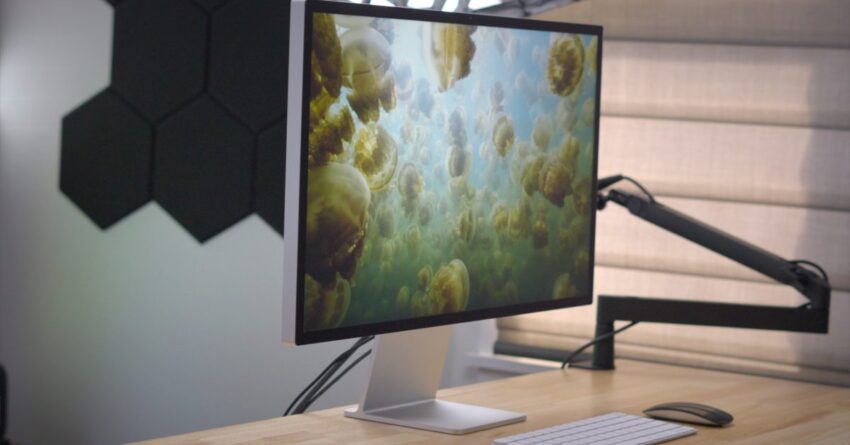
macos tahoe users report persistent screen flickering Users of macOS Tahoe have been experiencing persistent screen flickering issues, particularly when utilizing Apple’s Studio Display.
macos tahoe users report persistent screen flickering
Overview of the Issue
Since the release of macOS Tahoe, a significant number of users have reported encountering brief but distracting screen flickers. This issue appears to be particularly prevalent among those using Apple’s Studio Display, a high-end monitor designed to complement the Mac ecosystem. The flickering can occur intermittently, leading to frustration and concerns about the reliability of the operating system and its compatibility with Apple’s hardware.
Nature of the Flickering
The flickering reported by users is described as brief flashes or distortions on the screen that can disrupt workflow and concentration. While some users have noted that the flickers are momentary, others have indicated that they occur frequently enough to be a significant annoyance. The issue does not seem to be confined to specific applications or tasks, suggesting a broader compatibility problem between macOS Tahoe and certain display configurations.
Specific User Experiences
Many users have taken to online forums and social media platforms to share their experiences with the flickering issue. Reports indicate that the problem can manifest in various ways:
- Flickering during video playback, which can be particularly disruptive for content creators and consumers of media.
- Screen distortions when navigating through applications or using multiple windows, impacting productivity.
- Inconsistent flickering patterns, with some users reporting that the issue occurs more frequently under certain lighting conditions or when specific settings are enabled.
These experiences highlight the frustration felt by users who rely on their displays for both work and leisure. The inconsistency of the flickering adds to the challenge, as it makes it difficult for users to identify a definitive cause or solution.
Potential Causes
While Apple has not officially acknowledged the issue, several theories have emerged regarding the potential causes of the screen flickering in macOS Tahoe. These include:
- Software Bugs: As with any new operating system release, bugs and glitches are common. Users speculate that there may be underlying software issues that affect display performance.
- Driver Compatibility: The flickering may be related to compatibility problems between macOS Tahoe and the drivers for the Studio Display. If the drivers are not optimized for the new operating system, it could lead to display issues.
- Hardware Limitations: Some users have suggested that the flickering could be a result of hardware limitations, particularly if the Studio Display is being pushed beyond its intended capabilities.
Understanding the root cause of the flickering is crucial for both users and Apple, as it will inform the development of potential fixes or updates.
Impact on Users
The impact of the flickering issue extends beyond mere annoyance. For professionals who rely on their Macs and displays for work, such as graphic designers, video editors, and software developers, the flickering can lead to decreased productivity and increased frustration. Users have reported that the flickering disrupts their workflow, making it difficult to focus on tasks that require precision and attention to detail.
Community Reactions
The response from the user community has been vocal and varied. Many users have expressed their disappointment with the situation, particularly given Apple’s reputation for quality and reliability. Some have taken to forums like Reddit and Apple’s support communities to share their experiences and seek advice from others facing similar issues. The discussions often revolve around potential workarounds, such as adjusting display settings or reverting to previous versions of macOS.
Others have expressed concern about the implications of these issues for future updates and the overall stability of macOS Tahoe. The flickering has raised questions about Apple’s testing processes and whether sufficient quality assurance measures were in place prior to the release of the operating system.
Apple’s Response
As of now, Apple has not released an official statement addressing the flickering issue in macOS Tahoe. The company typically monitors user feedback closely and may be working on a fix behind the scenes. Historically, Apple has been responsive to user concerns, often releasing updates to address bugs and improve performance.
In the meantime, users are encouraged to report their experiences through Apple’s feedback channels. This feedback can be invaluable in helping Apple identify and prioritize issues that need to be addressed in future updates.
Possible Workarounds
While waiting for an official fix from Apple, some users have shared potential workarounds that may alleviate the flickering issue. These include:
- Adjusting Display Settings: Some users have found that changing the resolution or refresh rate of their Studio Display can reduce flickering. Experimenting with different settings may yield better results.
- Updating Drivers: Ensuring that all display drivers are up to date can help improve compatibility and performance. Users should check for any available updates from Apple or third-party developers.
- Reverting to Previous macOS Version: For those who find the flickering too disruptive, reverting to an earlier version of macOS may be a viable option until a fix is released.
While these workarounds may not completely eliminate the flickering, they can provide temporary relief for users experiencing significant disruptions.
Looking Ahead
The screen flickering issue in macOS Tahoe serves as a reminder of the challenges that can accompany new software releases. As technology continues to evolve, the importance of thorough testing and user feedback becomes increasingly critical. Apple’s ability to respond effectively to this issue will play a significant role in maintaining user trust and satisfaction.
As users await a resolution, the community continues to share insights and experiences, fostering a sense of solidarity among those affected by the flickering. The ongoing discussions highlight the importance of user engagement in the tech industry, where feedback can drive improvements and innovations.
Conclusion
In conclusion, the persistent screen flickering issues reported by macOS Tahoe users, particularly those using Apple’s Studio Display, underscore the complexities of software and hardware compatibility. While the exact cause remains unclear, the impact on users is significant, prompting discussions within the community and raising questions about Apple’s quality assurance processes. As users navigate this challenge, the hope is that Apple will respond swiftly with solutions that restore confidence in its products and operating systems.
Source: Original report
Was this helpful?
Explore more: More General Technology Tech News Blog
Last Modified: December 20, 2025 at 1:12 am
26 views