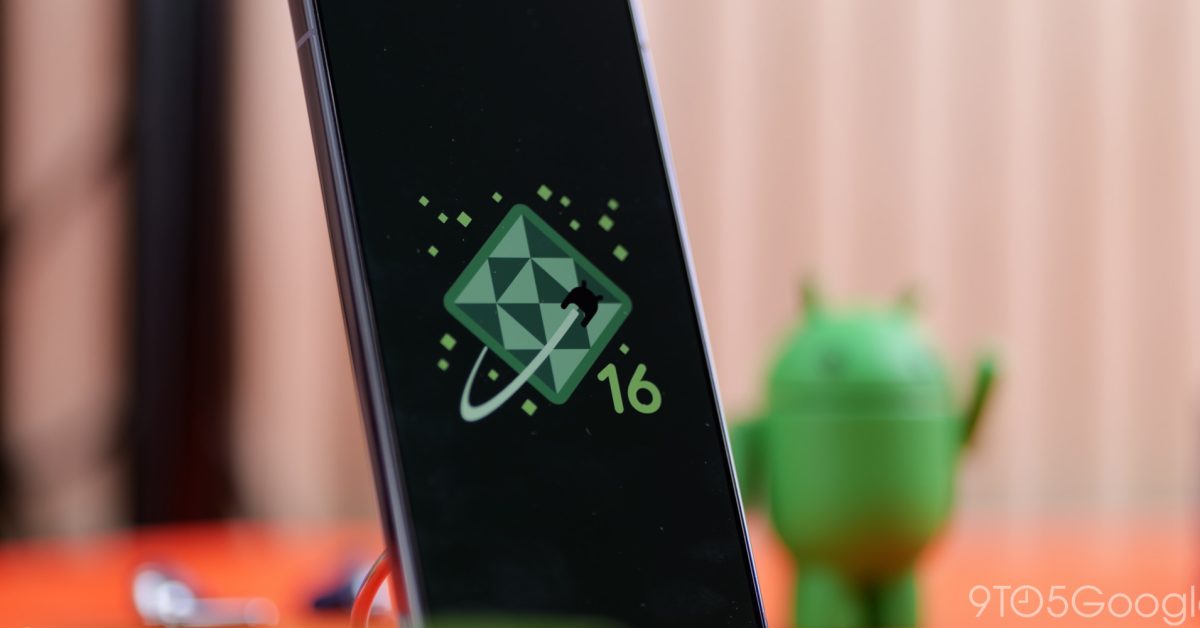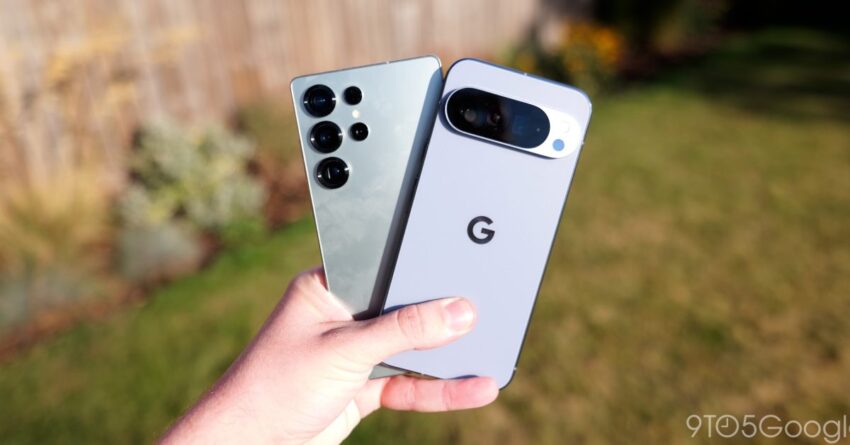
google pixel adds samsung s navigation button Google Pixel devices are set to incorporate the three-button navigation layout traditionally found on Samsung Galaxy smartphones, as revealed in the latest beta version of Android 16.
google pixel adds samsung s navigation button
Introduction to the New Navigation Layout
The introduction of Samsung’s three-button navigation layout into Google Pixel devices marks a significant shift in user interface design for Android smartphones. This change, currently available only in the beta version of Android 16, reflects the ongoing evolution of Android’s user experience and highlights the competitive landscape between major smartphone manufacturers.
Historically, Google has favored a gesture-based navigation system in its Pixel lineup, which aligns with the company’s vision of a streamlined and modern user interface. However, the inclusion of Samsung’s navigation style suggests a willingness to adapt and cater to user preferences that may lean towards more traditional navigation methods.
Understanding Navigation Layouts
Gesture-Based Navigation
Gesture-based navigation has been a hallmark of Android’s recent iterations, particularly in Google’s Pixel devices. This system allows users to navigate their devices through swipes and gestures rather than relying on physical or on-screen buttons. The advantages of this approach include a more immersive experience, as it maximizes screen real estate and minimizes distractions.
Three-Button Navigation
In contrast, the three-button navigation layout consists of dedicated buttons for “Back,” “Home,” and “Recent Apps.” This layout is familiar to many users, especially those who have used Android devices prior to the widespread adoption of gesture navigation. The three-button system provides clear visual cues for navigation, which can enhance usability for those who prefer a more tactile interaction with their devices.
Implications of the Change
The decision to incorporate Samsung’s navigation layout into Pixel devices may have several implications for both users and the broader Android ecosystem.
User Experience
For users, the introduction of the three-button layout could provide a more comfortable and intuitive navigation experience, particularly for those transitioning from Samsung devices or other Android smartphones that utilize this system. Users who have expressed frustration with gesture navigation may find this change refreshing, as it offers a familiar interface that can reduce the learning curve associated with new devices.
Market Competition
This move also underscores the competitive dynamics within the smartphone market. Samsung and Google have historically occupied different niches within the Android ecosystem, with Samsung focusing on a feature-rich experience and Google emphasizing a clean, stock Android interface. By adopting elements from Samsung’s design, Google may be signaling a shift in strategy to attract a broader audience and enhance user satisfaction.
Stakeholder Reactions
The reaction from stakeholders, including users, developers, and industry analysts, has been mixed. Some users have welcomed the change, citing the ease of use associated with the three-button layout. Others, particularly those who have embraced gesture navigation, have expressed concern that this shift could dilute the unique identity of Pixel devices.
User Feedback
Early feedback from beta testers indicates a generally positive reception to the new navigation option. Users have reported that the three-button layout feels more intuitive and responsive, particularly when multitasking or switching between applications. However, some users have noted that they may need time to adjust to the change, especially if they have become accustomed to gesture navigation.
Developer Perspectives
From a developer’s standpoint, the introduction of a new navigation layout may necessitate adjustments in app design and functionality. Developers will need to ensure that their applications are optimized for both navigation styles, which could involve additional testing and updates. This requirement may present challenges, particularly for smaller developers with limited resources.
Future of Android Navigation
The inclusion of Samsung’s navigation layout in Google Pixel devices raises questions about the future of navigation systems in Android. As user preferences continue to evolve, it is likely that we will see further experimentation with different navigation styles across various devices.
Potential for Customization
One potential direction for Android navigation is increased customization options. Users may appreciate the ability to choose between different navigation styles, allowing them to tailor their experience to their personal preferences. This flexibility could enhance user satisfaction and engagement, as individuals can select the navigation method that best suits their needs.
Impact on Future Android Versions
The introduction of the three-button layout in Android 16 may also influence future versions of the operating system. Google may take user feedback into account and further refine navigation options in subsequent updates. This iterative approach could lead to a more cohesive and user-friendly experience across the Android ecosystem.
Conclusion
The addition of Samsung’s three-button navigation layout to Google Pixel devices in the latest Android 16 beta represents a notable shift in the Android user experience. As users adapt to this change, it will be essential to monitor feedback and assess the impact on both user satisfaction and app development. The competitive landscape of the smartphone market continues to evolve, and Google’s willingness to incorporate elements from other manufacturers may signal a broader trend towards flexibility and user-centric design in future Android iterations.
As the beta version rolls out to more users, the implications of this change will become clearer. Whether this move enhances the Pixel experience or complicates it remains to be seen, but it undoubtedly reflects the dynamic nature of the Android ecosystem and the ongoing quest for the optimal user experience.
Source: Original report
Was this helpful?
Last Modified: December 18, 2025 at 10:58 am
3 views