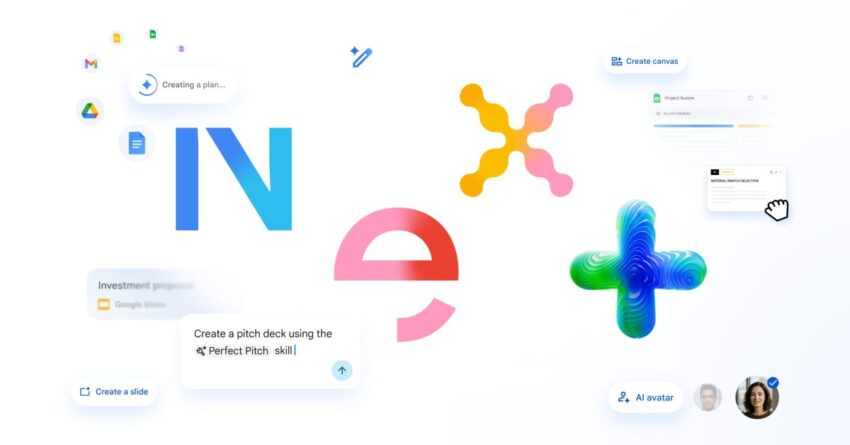
google meet adding in-person take notes for Google has unveiled a series of innovative features for its Workspace suite, including enhancements to Google Meet and Drive, during the Cloud Next 2026 event.
google meet adding in-person take notes for
Overview of New Features
At the Cloud Next 2026 conference, Google introduced a range of updates aimed at improving user experience across its Workspace applications. These enhancements are designed to facilitate collaboration, streamline workflows, and integrate artificial intelligence more effectively into everyday tasks. The new features will be rolled out over the coming weeks, making them accessible to users globally.
Google Meet Enhancements
One of the standout features announced for Google Meet is the new in-person “Take Notes for Me” functionality. This feature aims to enhance the meeting experience by allowing users to focus on discussions without the distraction of note-taking.
Take Notes for Me
The “Take Notes for Me” feature leverages artificial intelligence to automatically generate notes during meetings. Users can activate this feature at the start of a meeting, and the AI will capture key points, decisions, and action items. This capability is particularly beneficial for teams that often meet in hybrid settings, where some participants are present in the room while others join remotely.
By automating note-taking, Google Meet aims to reduce the cognitive load on participants, allowing them to engage more fully in discussions. The notes generated can be easily shared with all meeting attendees, ensuring that everyone is on the same page regarding what was discussed and agreed upon.
Implications for Collaboration
The introduction of this feature could significantly change how teams collaborate. With the ability to focus on conversation rather than documentation, participants may find meetings more productive and engaging. Additionally, the automatic generation of notes ensures that important information is not overlooked, which can be a common issue in fast-paced discussions.
Furthermore, this feature aligns with the growing trend of using AI to enhance productivity tools. As organizations increasingly adopt hybrid work models, tools that facilitate seamless collaboration will be essential for maintaining effective communication and project management.
Drive Updates
In addition to enhancements in Google Meet, Google Drive is also receiving significant updates. One of the most notable features is the introduction of “projects,” which aims to streamline project management within the Drive environment.
Projects in Google Drive
The “projects” feature allows users to organize their files and documents in a more structured way. Users can create dedicated project folders that include all relevant materials, such as documents, spreadsheets, and presentations. This organization is designed to facilitate easier access and collaboration among team members working on the same project.
Moreover, the projects feature integrates with other Workspace applications, allowing users to link relevant Google Docs, Sheets, and Slides directly within the project folder. This interconnectedness ensures that all necessary resources are readily available, reducing the time spent searching for files.
Benefits of Project Organization
The implementation of project organization in Google Drive could lead to enhanced productivity and efficiency. Teams can quickly locate the materials they need, which is particularly important in fast-paced work environments where time is of the essence. Additionally, having a centralized location for all project-related documents can improve collaboration, as team members can easily share updates and provide feedback.
Furthermore, this feature may help mitigate the risk of version control issues, as all team members will be working from the same set of documents. This is crucial in ensuring that everyone is aligned and that the most current information is being utilized.
Integration with Workspace Intelligence
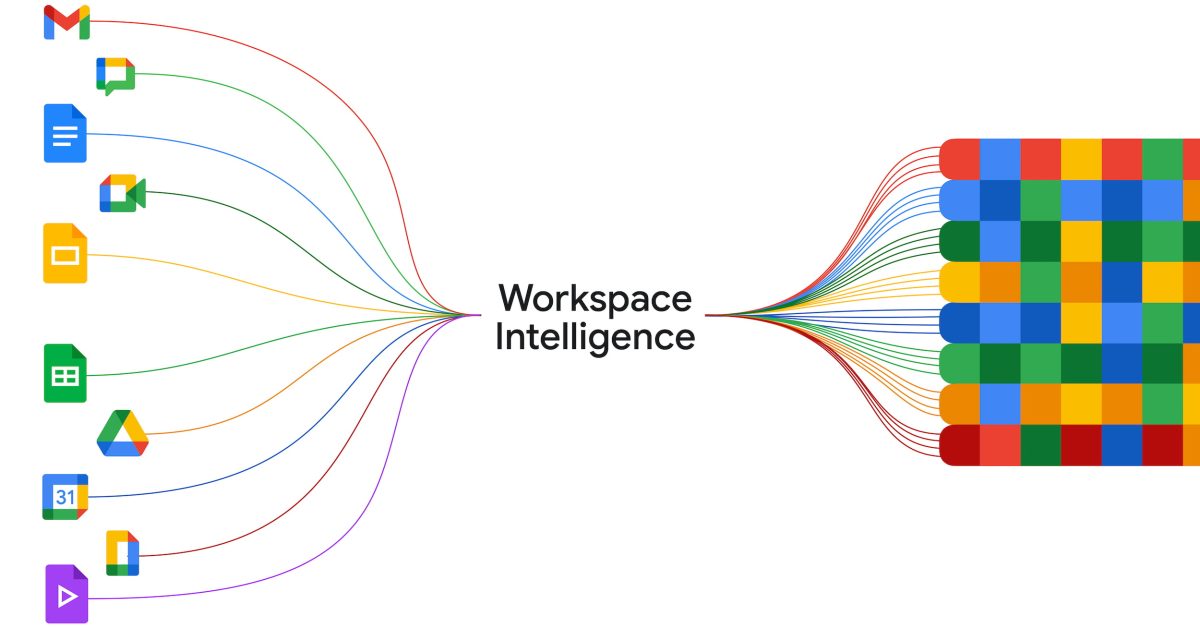
These new features are part of a broader initiative to integrate Workspace Intelligence across Google’s suite of applications. Workspace Intelligence aims to harness the power of AI to enhance user experience and productivity.
AI-Driven Features
Workspace Intelligence includes a variety of AI-driven features that assist users in their daily tasks. For example, smart suggestions for document edits, automated scheduling for meetings, and enhanced search capabilities are all part of this initiative. These features are designed to reduce the time spent on mundane tasks, allowing users to focus on more strategic activities.
By integrating AI into its applications, Google is positioning itself as a leader in the productivity software market. The ability to automate routine tasks and provide intelligent suggestions can significantly improve workflow efficiency, making it easier for teams to collaborate and achieve their goals.
Stakeholder Reactions
The announcement of these new features has garnered attention from various stakeholders, including business leaders, educators, and technology enthusiasts. Many have expressed enthusiasm about the potential for these updates to enhance collaboration and productivity.
Business Leaders
Business leaders have highlighted the importance of effective communication and collaboration in today’s work environment. The new features in Google Meet and Drive are seen as valuable tools that can help teams work more efficiently, particularly in hybrid settings. Many organizations are looking for ways to improve their remote work capabilities, and these updates could provide the necessary support.
Educators
In the education sector, educators are also optimistic about the potential benefits of these features. The ability to automate note-taking can be particularly useful in classroom settings, where teachers can focus on delivering content rather than managing documentation. Additionally, the project organization feature in Drive can aid students in managing group assignments more effectively.
Technology Enthusiasts
Technology enthusiasts have praised Google’s commitment to integrating AI into its products. The advancements in Workspace Intelligence are seen as a step forward in creating more intuitive and user-friendly applications. As AI continues to evolve, many are eager to see how Google will further enhance its Workspace offerings.
Conclusion
The updates announced at Cloud Next 2026 represent a significant step forward for Google Workspace. With the introduction of features like “Take Notes for Me” in Google Meet and project organization in Drive, Google is addressing the evolving needs of modern teams. These enhancements not only improve collaboration but also leverage AI to streamline workflows and enhance productivity.
As these features roll out over the coming weeks, users can expect to see a more integrated and efficient Workspace experience. The focus on collaboration, organization, and AI-driven capabilities positions Google as a leader in the productivity software landscape, making it an exciting time for current and prospective users of Google Workspace.
Source: Original report
Was this helpful?
Explore more: AI Automation Services More AI & Automation Tech News
Last Modified: April 22, 2026 at 6:36 pm
13 views