Apple’s WWDC keynote was dominated by artificial intelligence, but the company also slipped in a long list of smaller changes across iOS 27, iPadOS 27, macOS 27 Golden Gate, watchOS 27, and visionOS 27. Many of them are the kinds of quality-of-life updates that can matter every day, even if they didn’t get much stage time.
A quieter WWDC story
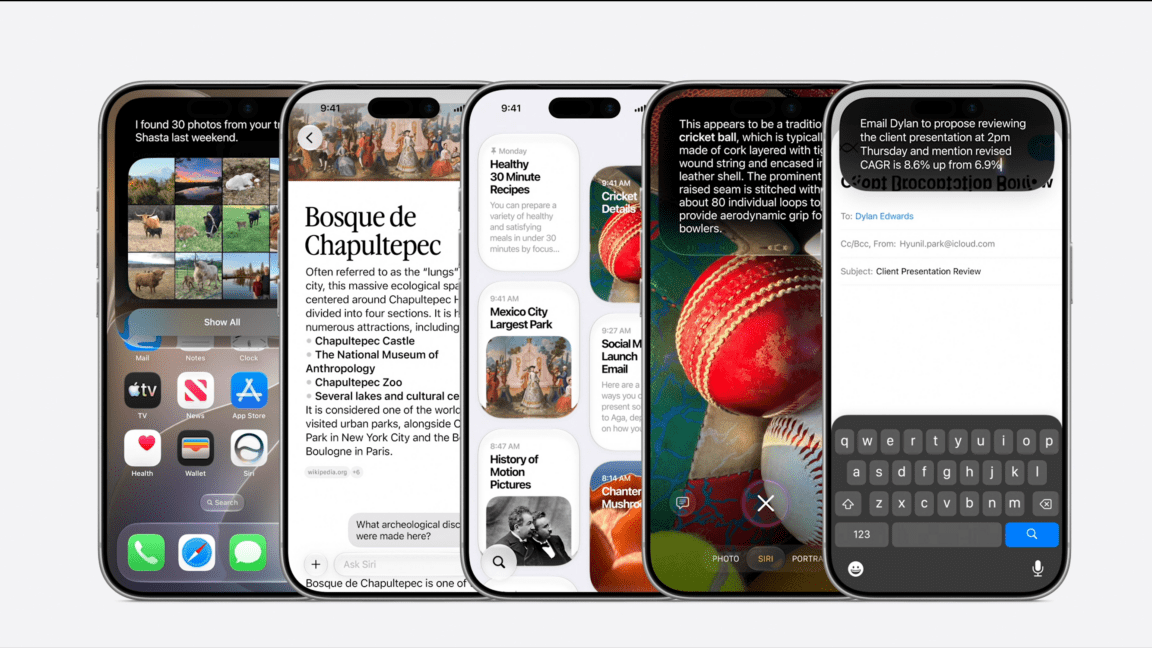
According to the source report, the new operating systems are already available in developer beta, with public betas set to begin in July and general availability planned for this fall. While Apple spent much of the keynote talking about Apple Intelligence and Siri AI, the company also previewed a wide range of smaller additions spanning performance, design, connectivity, messaging, health, and accessories.
Some of these are subtle refinements. Others are more concrete upgrades, like faster app launches, quicker AirDrop transfers, and new display support on the Mac. Together, they suggest Apple’s next software cycle is not only about headline AI features, but also about polishing the basic experience across its devices.
iOS 27: speed, automation, and small conveniences
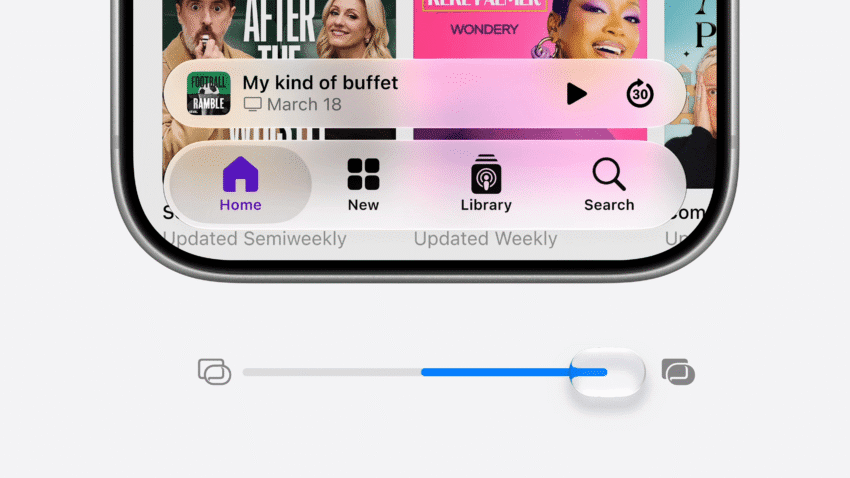
On the iPhone side, Apple is promising a set of changes that mostly focus on speed and ease of use. Liquid Glass gets an opacity slider, which should give users more control over the look of the interface. Apple also says apps can launch up to 30 percent faster, while AirDrop transfers can happen up to 80 percent faster.
Several changes are aimed at everyday friction points. The iPhone and iPad will more seamlessly switch between Wi-Fi and cellular connections, and if a message fails to send, iOS 27 can automatically retry. Apple is also adding faster loading for emoji and sticker keyboards, plus quicker camera launch performance in Low Power Mode.
Notable iPhone additions
- A new ranking system in Mail that puts the “most relevant results” up top
- Faster loading for Messages inside Mail
- Independent alarm volume, separate from system volume
- Automatically generated synced captions for videos you watch
- The ability to save a video frame as a photo
- Consolidated notifications for multiple tapbacks in Messages
- “Smoother unlocking,” though Apple did not explain the feature in detail
- Extra large widgets
Apple is also bringing a few feature updates tied to specific products. On the iPhone 17, 17 Air, and 17 Pro, users will be able to use Dual Capture mode during FaceTime calls. For audio, custom EQ settings are coming to AirPods Max 2, AirPods Pro 3, and AirPods 4.
Other changes touch Apple’s broader services and health features. Apple Maps’ FlyOver is being enhanced with “aerial imagery combined with Visual Intelligence models” to show objects in more detail. In the Health app, cycle tracking will be able to share notifications when cycle patterns are “suggestive of perimenopause.” Apple is also making the Home app smarter with Apple Intelligence, allowing it to combine “related” activity notifications. And supported HomeKit Secure Video cameras will be able to stream and record in 4K.
macOS 27 Golden Gate: design polish and display support
Apple’s Mac update, called macOS 27 Golden Gate, appears to be centered on refinement rather than dramatic reinvention. The company says it will bring a “more refined design with enhanced Liquid Glass, ensuring exceptional readability and greater consistency across apps.”
Safari is getting a pair of useful upgrades: tab groups and the ability to monitor pages and notify users when they change. Apple is also improving Spotlight search suggestions and adding support for ultrawide displays at up to 120Hz with 5K resolution.
There’s also a small but practical gesture change: in apps such as Safari and Mail, users will be able to swipe down to refresh content.
iPadOS 27: better file transfers and connectivity
On the iPad, Apple is focusing on transfer speeds and syncing reliability. Moving files between an iPad and an external drive is said to be up to 5x faster. That should be welcome for anyone using the tablet as a more serious content creation or file management device.
Apple also says unread counts in Messages will sync “more quickly and reliably” after users return to their iPad after being away. Like iPhone, iPadOS 27 will also make switching between Wi-Fi and cellular connections more seamless.
watchOS 27: a new grid and more independence
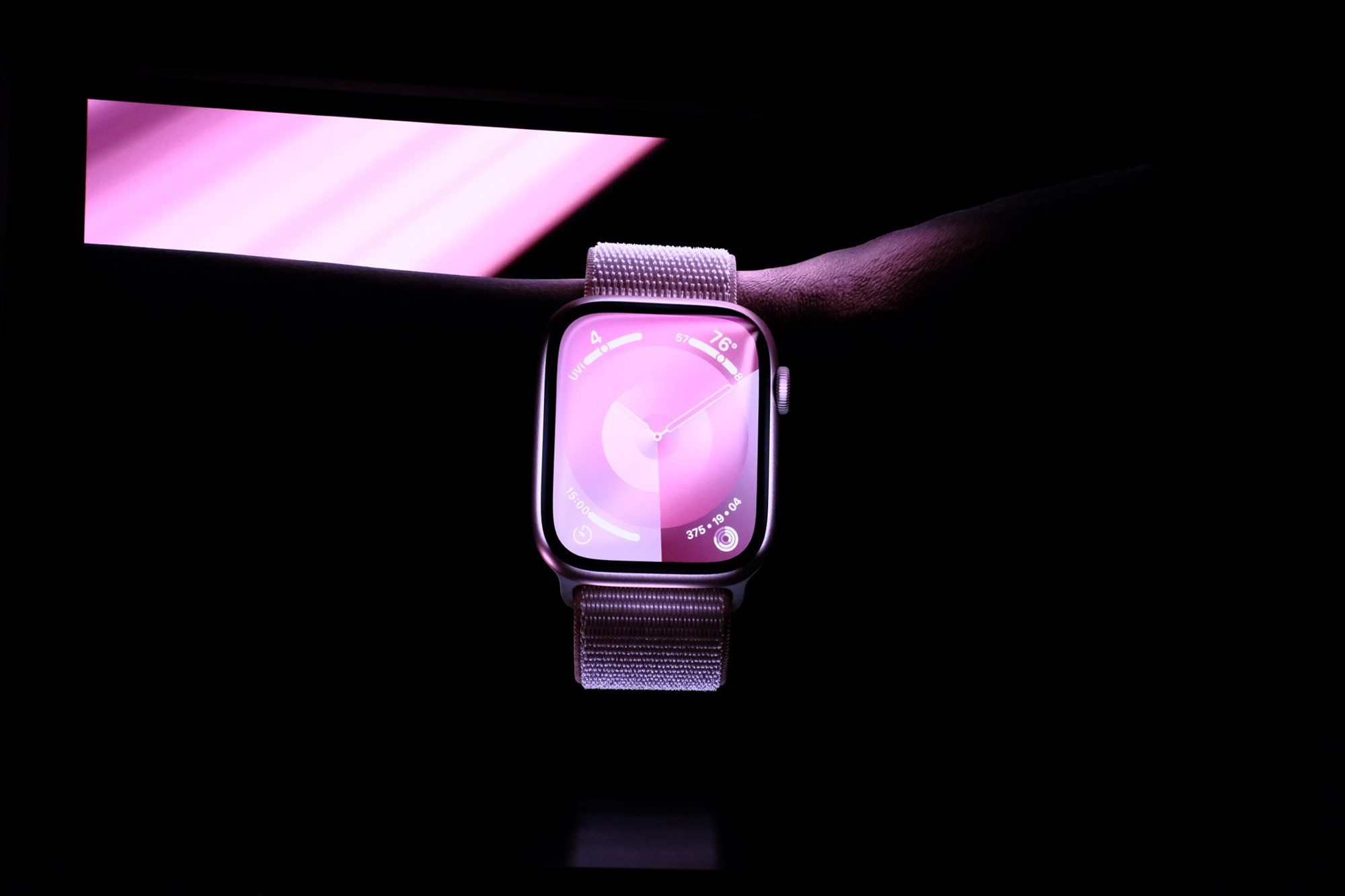
The Apple Watch update includes several interface and fitness changes. watchOS 27 adds a “new dynamic app grid,” and a single tap gesture can now open a Smart Stack widget. Workout Buddy, one of Apple’s fitness features, will work even if your iPhone is not nearby, and it is also expanding to Spanish.
Apple says indoor run and walk tracking will become more accurate, Music playback from Apple Watch will start faster, and the step count in the Fitness app will sync with steps counted in the Health app. The source report notes surprise that this was not already the default behavior.
Wallet is also getting a broader QR-code feature: users will be able to make custom passes for “any membership or card that uses a QR code.”
visionOS 27: more spatial control
For Vision Pro owners, visionOS 27 adds a handful of interface and spatial computing refinements. Siri AI can appear as a virtual glassy orb in the user’s real-world surroundings, while windows can now be curved. Users can preview notifications simply by looking at them, and a panorama photo can be turned into a “spatial scene” for use as a virtual Personal Environment.
Apple is also changing Control Center’s design, adding an extra small size for widgets, and making Vision Pro connect to Wi-Fi up to three times faster. Safari on visionOS will also support 360-degree web experiences.
The bigger picture
None of these additions carries the same weight as Apple’s AI positioning, but many of them are the kinds of updates that users notice immediately after installation. Faster app launches, better syncing, richer camera and health tools, and more flexible interfaces may not dominate a keynote, yet they often shape the day-to-day feel of Apple’s platforms more than the biggest demos.
And the list may not even be complete. The source report says these are only some of the features spotted so far, with more still being parsed from Apple’s keynote materials. In other words, the most interesting parts of this year’s software update may still be hiding in the details.
Source: Original report
Was this helpful?
Explore more: Mobile App Development More Mobile Technology Tech News
Last Modified: July 7, 2026 at 9:42 pm
25 views