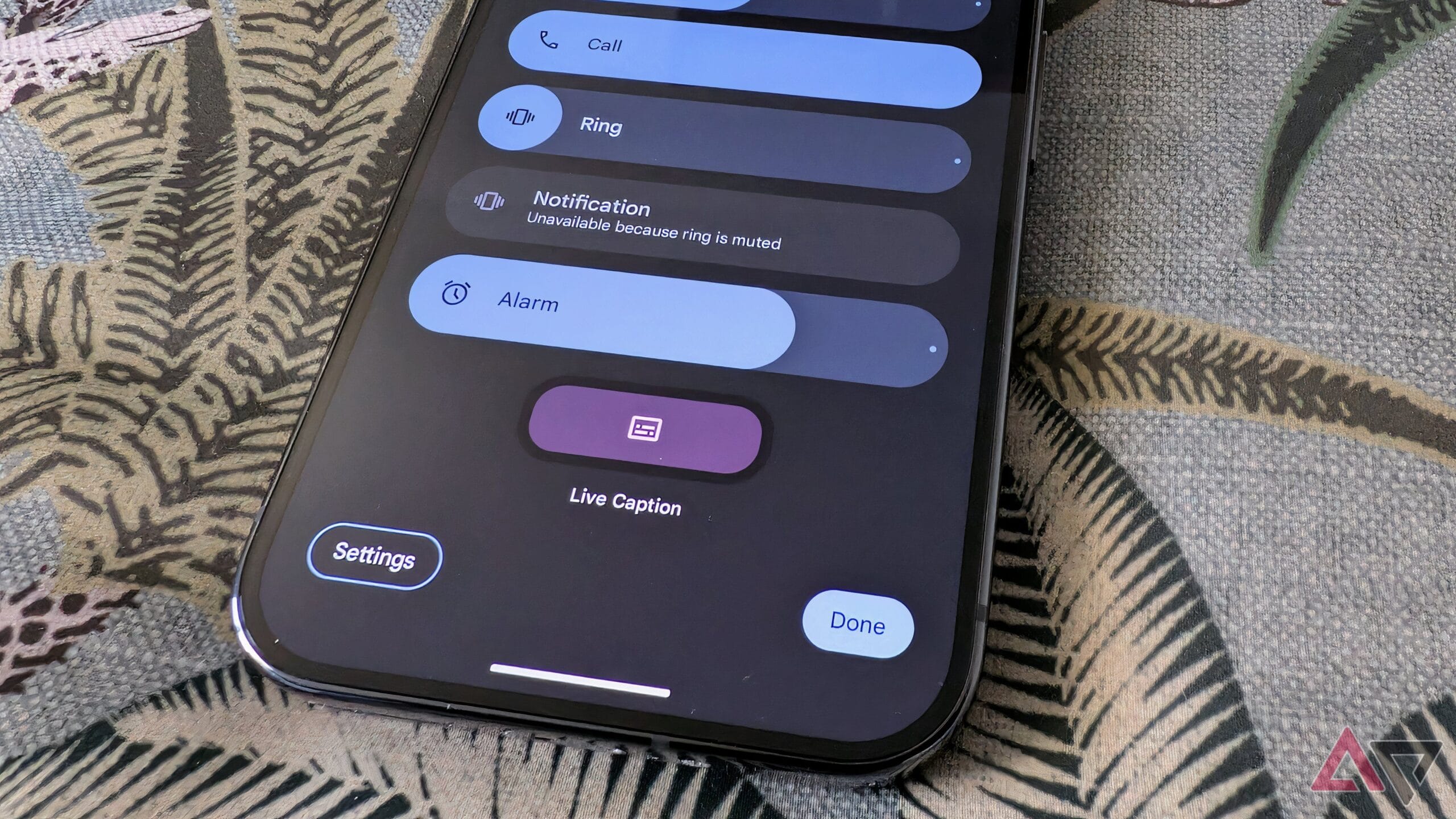
samsung galaxy phones will make everyday tasks Samsung is set to enhance user experience on its Galaxy phones with a new gesture feature aimed at simplifying everyday tasks.
samsung galaxy phones will make everyday tasks
Samsung’s Commitment to Customization
One of the most significant advantages of the Android operating system is its inherent customizability. Users can tailor their devices to suit personal preferences, from changing themes to modifying home screens. However, the extent of this customization can vary significantly between different manufacturers. Among the various brands, Samsung stands out for its robust focus on providing users with extensive customization options through its One UI interface.
Samsung’s One UI has evolved over the years, incorporating user feedback and technological advancements to enhance the overall experience. The upcoming One UI 8.5 is poised to take this commitment a step further by introducing a fully customizable Quick Panel. This feature is designed to streamline user interactions and make everyday tasks more efficient.
The Quick Panel: A Central Hub for User Interaction
The Quick Panel is a vital component of the Samsung user experience, serving as a centralized hub for notifications and quick settings. Users can access it by swiping down from the top of the screen, allowing for quick adjustments to settings such as Wi-Fi, Bluetooth, and Do Not Disturb mode. The Quick Panel also displays notifications from various apps, enabling users to manage alerts without navigating through multiple screens.
With One UI 8.5, Samsung aims to enhance the Quick Panel’s functionality by allowing users to customize it according to their specific needs. This change is particularly significant for users who rely on their devices for a variety of tasks throughout the day, as it enables them to prioritize the features and settings they use most frequently.
Customization Features in One UI 8.5
The customization options in One UI 8.5 are expected to include the ability to rearrange icons, add or remove quick settings, and even change the appearance of the Quick Panel itself. This level of personalization allows users to create a more intuitive and efficient interface tailored to their daily routines.
- Rearranging Icons: Users can drag and drop icons within the Quick Panel to position them according to their preferences. This feature is particularly useful for those who frequently toggle specific settings.
- Adding or Removing Quick Settings: Users can choose which quick settings are displayed, allowing them to declutter the interface and focus on the tools they use most often.
- Visual Customization: Samsung may also introduce options for changing the color scheme or style of the Quick Panel, enhancing the overall aesthetic appeal of the device.
Implications for User Experience
The introduction of a customizable Quick Panel in One UI 8.5 has several implications for user experience. First and foremost, it empowers users to take control of their devices, allowing them to tailor their interactions to fit their lifestyles. This level of personalization can lead to increased efficiency, as users can quickly access the settings and notifications that matter most to them.
Moreover, this enhancement aligns with broader trends in the tech industry, where user-centric design is becoming increasingly important. As consumers demand more control over their devices, manufacturers like Samsung are responding by offering features that prioritize user preferences and customization.
Stakeholder Reactions
The announcement of the customizable Quick Panel has garnered positive reactions from various stakeholders, including tech enthusiasts, industry analysts, and everyday users. Many see this feature as a significant step forward in enhancing the Android experience, particularly for Samsung users who have long appreciated the brand’s commitment to customization.
Tech reviewers have noted that the ability to customize the Quick Panel could set Samsung apart from competitors, particularly in a market where differentiation is crucial. As smartphone manufacturers continue to innovate, features that enhance usability and personalization are likely to resonate well with consumers.
Comparative Analysis with Competitors
While Samsung is making strides with its customizable Quick Panel, it is essential to consider how this feature compares to similar offerings from competitors. Brands like Google, OnePlus, and Xiaomi also provide customization options within their Android skins, but the extent and ease of use can vary.
For instance, Google’s Pixel devices offer a clean and straightforward interface, with customization options primarily focused on aesthetics rather than functionality. OnePlus, on the other hand, provides a range of customization features through its OxygenOS, allowing users to modify everything from icon packs to system animations.
Xiaomi’s MIUI also includes a variety of customization options, but users often report that the interface can be cluttered, making it challenging to navigate. Samsung’s focus on a user-friendly experience, combined with the new Quick Panel customization, may give it an edge in attracting users who prioritize both functionality and ease of use.
Potential Challenges and Considerations
Despite the excitement surrounding the customizable Quick Panel, there are potential challenges and considerations that Samsung must address. One of the primary concerns is ensuring that the customization options do not lead to confusion among users. While many users appreciate the ability to tailor their devices, an overly complex interface can detract from the overall experience.
Samsung will need to strike a balance between offering extensive customization and maintaining a user-friendly design. Clear instructions and intuitive navigation will be crucial in ensuring that users can make the most of the new features without feeling overwhelmed.
Feedback from Beta Testers
As Samsung prepares to roll out One UI 8.5, feedback from beta testers will play a critical role in refining the customizable Quick Panel. Early testers can provide valuable insights into usability, functionality, and any potential issues that may arise during everyday use. This feedback loop will be essential for Samsung to make necessary adjustments before the official release.
Conclusion
The introduction of a customizable Quick Panel in One UI 8.5 represents a significant advancement in Samsung’s commitment to enhancing user experience. By allowing users to tailor their devices to fit their individual needs, Samsung is not only improving functionality but also aligning with broader trends in user-centric design.
As the tech landscape continues to evolve, features that prioritize personalization and efficiency will likely become increasingly important. Samsung’s proactive approach in this regard may set a new standard for customization in the smartphone industry, encouraging other manufacturers to follow suit.
As users eagerly await the official launch of One UI 8.5, the anticipation surrounding the customizable Quick Panel highlights the growing demand for devices that cater to individual preferences and enhance daily interactions.
Source: Original report
Was this helpful?
Explore more: Mobile App Development More Mobile Technology Tech News
Last Modified: September 26, 2025 at 5:40 pm
10 views