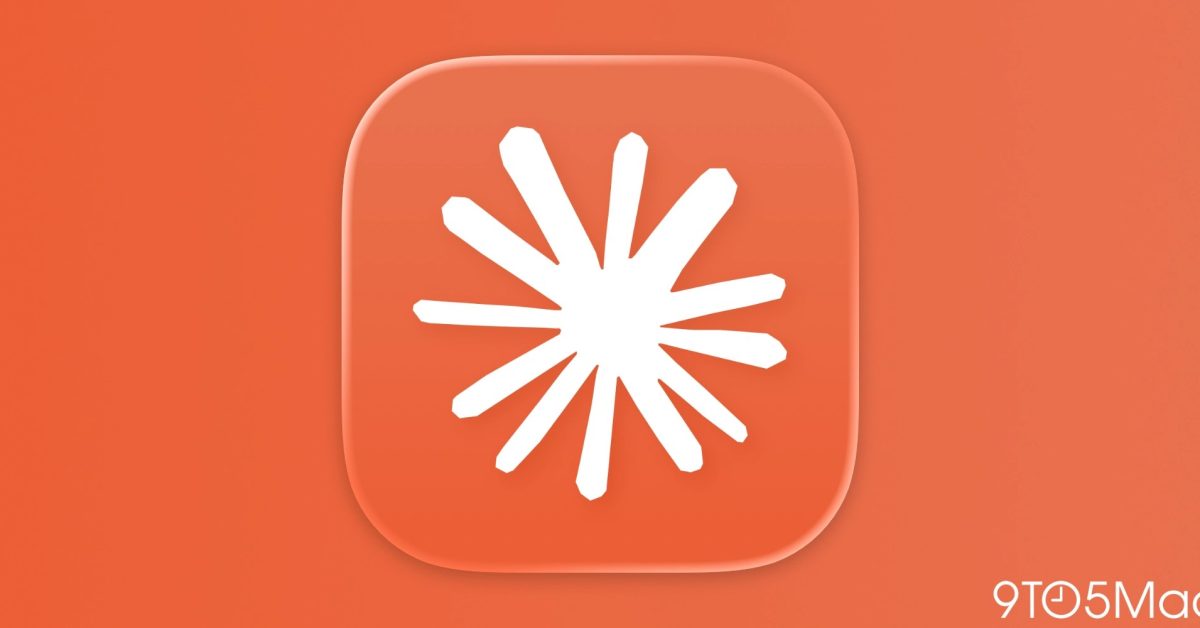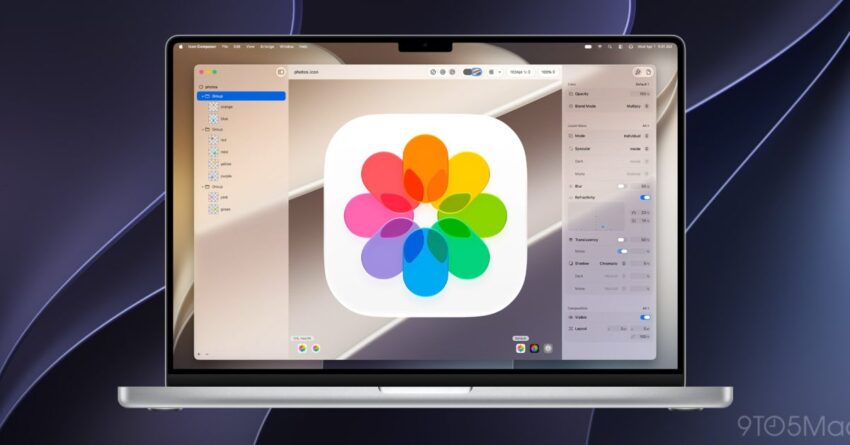
Apple has released beta versions of Icon Composer 2 and SF Symbols 8, offering developers and designers new tools for creating app icons and utilizing an updated library of symbols.
icon composer 2 and sf symbols 8
Overview of Icon Composer 2
Icon Composer 2 is the latest iteration of Apple’s tool designed for creating Liquid Glass app icons. This updated version introduces several enhancements aimed at improving the user experience for developers and designers alike. Liquid Glass icons are known for their sleek, modern appearance, which has become increasingly popular in app design.
Key Features of Icon Composer 2
With the release of Icon Composer 2, Apple has integrated a range of new features that are expected to streamline the icon creation process. Some of the notable features include:
- Enhanced User Interface: The user interface has been revamped to provide a more intuitive experience, making it easier for users to navigate through the various options and tools available.
- New Design Templates: Icon Composer 2 offers a selection of new design templates that cater to different app categories, allowing designers to create icons that are not only visually appealing but also contextually relevant.
- Improved Export Options: The beta version includes enhanced export options, enabling users to save their icons in multiple formats, which is crucial for developers who need to meet specific platform requirements.
- Real-Time Preview: A real-time preview feature allows users to see how their icons will look on various devices, ensuring that the final product meets design standards across platforms.
These features are designed to empower developers and designers by providing them with the tools necessary to create high-quality app icons that stand out in the crowded app marketplace.
Introduction to SF Symbols 8
Alongside Icon Composer 2, Apple has also launched SF Symbols 8, an updated library of symbols that developers can use in their applications. SF Symbols is a comprehensive set of over 3,000 symbols that are designed to integrate seamlessly with Apple’s system fonts, ensuring a consistent look and feel across applications.
Features of SF Symbols 8
The new version of SF Symbols comes with several enhancements that are particularly beneficial for developers:
- Expanded Symbol Library: SF Symbols 8 includes additional symbols, expanding the library to cover a wider range of use cases. This expansion is crucial for developers looking to enhance the user interface of their applications.
- Improved Customization Options: Developers now have more options for customizing symbols, including the ability to adjust weight and scale, allowing for greater flexibility in design.
- Accessibility Features: The new symbols are designed with accessibility in mind, ensuring that they are usable for all users, including those with disabilities.
- Enhanced Search Functionality: The search functionality within the library has been improved, making it easier for developers to find the symbols they need quickly.
By providing an updated library of symbols, Apple aims to facilitate better design practices among developers, ultimately leading to more cohesive and user-friendly applications.
Implications for Developers and Designers
The release of Icon Composer 2 and SF Symbols 8 holds significant implications for the developer community. As app design continues to evolve, having access to advanced tools and resources is essential for staying competitive in the marketplace.
Impact on App Design
The introduction of these tools allows developers and designers to create more visually appealing and functional applications. With the enhanced features of Icon Composer 2, designers can produce icons that not only look good but also resonate with users. The expanded library of symbols in SF Symbols 8 provides developers with the resources needed to create intuitive user interfaces.
Community Reactions
The response from the developer community has been largely positive. Many developers have expressed excitement about the new features and the potential for improved app design. The ability to customize symbols and create unique icons is seen as a significant step forward in enabling developers to express their brand identity through their applications.
Challenges Ahead
While the new tools present numerous opportunities, there are also challenges that developers may face. As the app marketplace becomes increasingly saturated, standing out remains a critical concern. Developers will need to leverage the capabilities of Icon Composer 2 and SF Symbols 8 effectively to differentiate their applications.
Getting Started with the Betas
For developers and designers interested in exploring these new tools, Apple has made the beta versions available for download. Here are the steps to get started:
- Download the Beta: Visit the Apple Developer website to access the beta versions of Icon Composer 2 and SF Symbols 8.
- Install the Software: Follow the installation instructions provided on the website to set up the tools on your development environment.
- Explore the Features: Take time to familiarize yourself with the new features and functionalities offered in both tools.
- Provide Feedback: As these are beta versions, Apple encourages users to provide feedback to help improve the final release.
Engaging with the beta versions allows developers to not only test the new features but also contribute to the development process by sharing their insights and experiences with Apple.
Conclusion
The release of Icon Composer 2 and SF Symbols 8 marks a significant advancement in Apple’s suite of design tools for developers and designers. With enhanced features, an expanded library, and improved customization options, these tools are set to revolutionize the way app icons and user interfaces are designed. As the beta versions become available, the developer community is poised to take advantage of these new resources, paving the way for more innovative and user-friendly applications.
Source: Original report
Was this helpful?
Explore more: Software Development More Software Development Tech News
Last Modified: June 13, 2026 at 12:36 pm
17 views