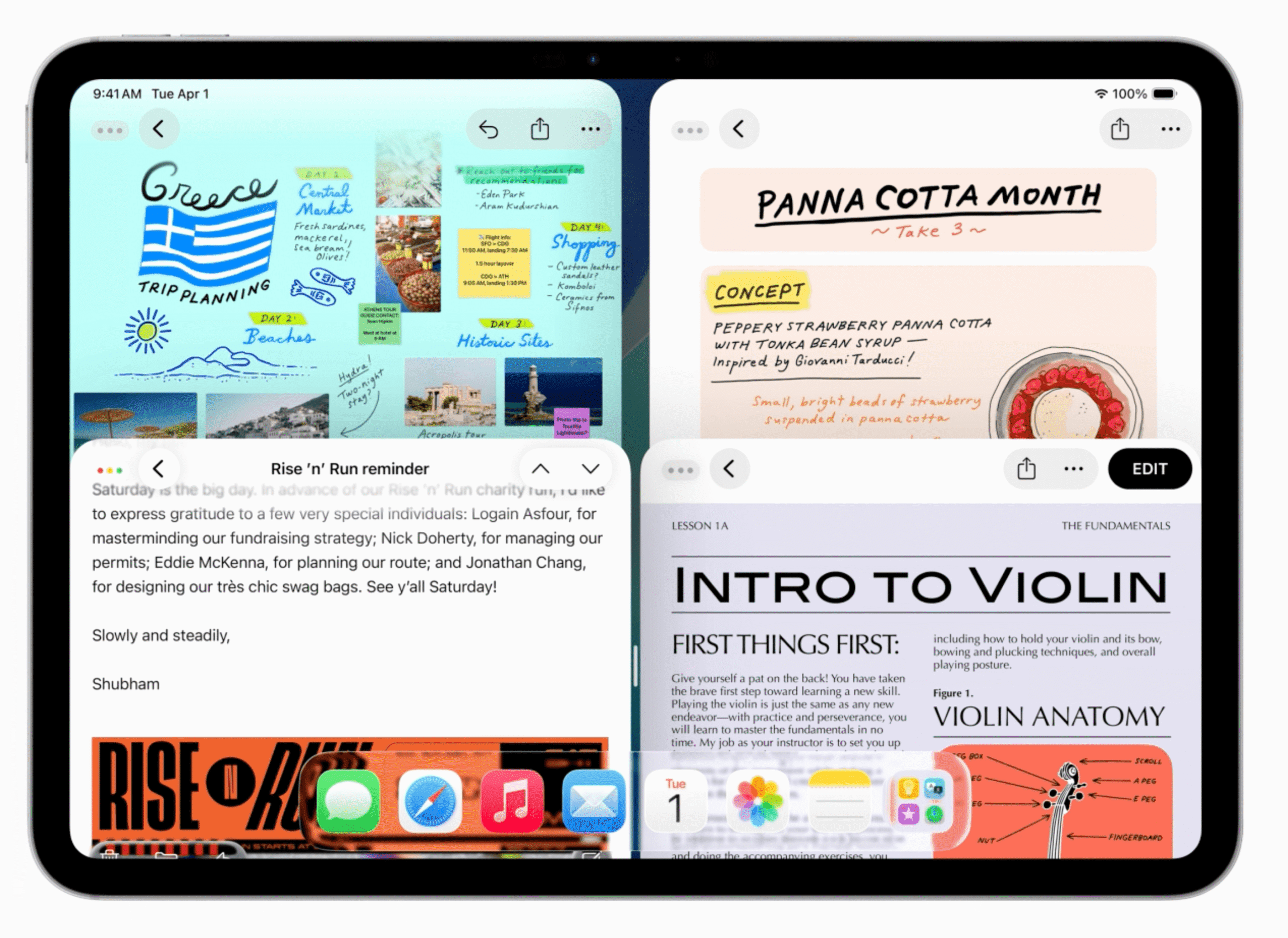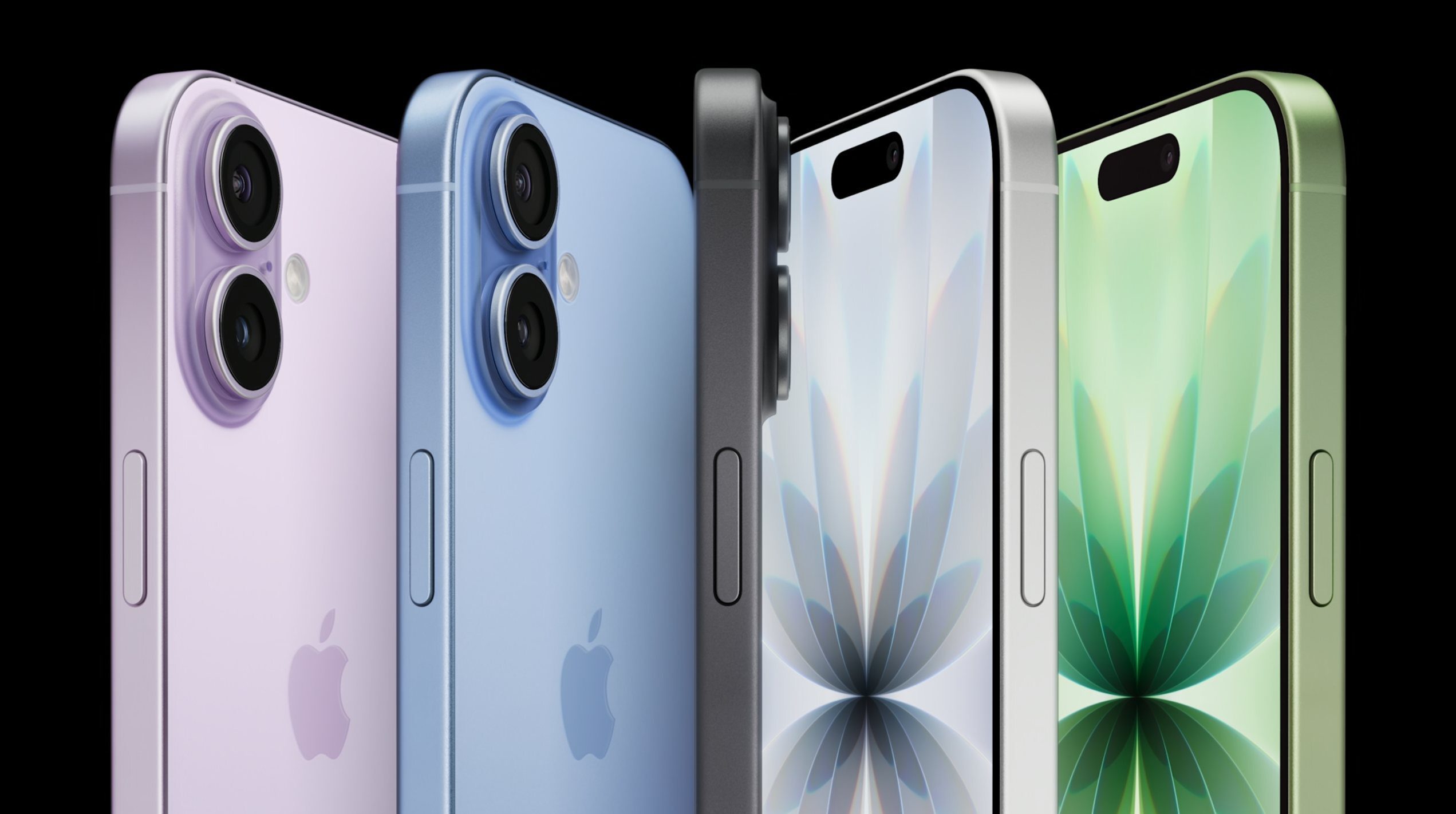
Apple’s macOS Tahoe 26 update is set to officially launch on September 15th, marking a significant milestone for Mac users.
Overview of macOS Tahoe 26
Apple’s macOS Tahoe 26 is the latest iteration of the macOS operating system, designed to enhance user experience with a variety of new features and a fresh design aesthetic. First unveiled at the Worldwide Developers Conference (WWDC) 2025, this update has undergone extensive testing through both developer and public beta phases. As it transitions out of beta, macOS Tahoe is poised to deliver a range of improvements for users with compatible MacBooks and desktop models.
Compatibility and Transition
One of the notable aspects of macOS Tahoe 26 is its compatibility with Intel-based Macs. This inclusion is particularly significant as it represents the last major software upgrade for users who have yet to transition to Apple’s M-series chips. The M-series, which debuted with the M1 chip, has been praised for its performance and efficiency, and Apple is encouraging users to make the switch. While macOS Tahoe will support Intel-based devices, future updates may not, signaling a pivotal moment for users still relying on older hardware.
Design and User Interface Enhancements
One of the most striking features of macOS Tahoe 26 is its comprehensive user interface (UI) overhaul. Apple has introduced a design philosophy branded as “Liquid Glass,” which emphasizes transparency and fluidity in its visual elements. This aesthetic is characterized by a glass-like appearance that aims to create a more immersive experience for users.
Liquid Glass Design
The Liquid Glass design is not just a superficial change; it represents a shift in how users interact with their devices. The transparency effects are intended to provide a sense of depth and layering, making the interface feel more dynamic. However, reactions to this new design have been mixed. Some users appreciate the boldness of the aesthetic, while others find it less appealing, particularly on larger displays where the effects may appear more pronounced.
Customizable Theming Options
In addition to the Liquid Glass design, macOS Tahoe 26 introduces a range of customizable theming options. Users can now personalize their experience by selecting from various color palettes, including vibrant options that some may liken to unconventional choices, such as Pepto Bismol. This flexibility allows users to tailor their interface to better reflect their personal style, enhancing the overall user experience.
New Features and Functionalities
Beyond aesthetic changes, macOS Tahoe 26 brings a host of new features aimed at improving productivity and usability. Among these enhancements are significant upgrades to Spotlight, Apple’s search and launcher tool, as well as the introduction of a clipboard history feature and a dedicated Phone app.
Spotlight Enhancements
Spotlight has long been a powerful tool for Mac users, and the updates in Tahoe 26 further amplify its capabilities. The new version allows users to take actions directly from the Spotlight search bar, streamlining workflows and reducing the need to switch between applications. This feature is particularly beneficial for power users who rely on quick access to apps and functions.
Clipboard History
The introduction of a clipboard history feature is another major improvement. This functionality enables users to access previously copied items, making it easier to manage multiple pieces of information without the need for constant re-copying. This is especially useful for tasks that involve compiling data from various sources, as users can quickly retrieve and paste previously copied text or images.
Dedicated Phone App
Another noteworthy addition is the dedicated Phone app, which allows users to manage calls and messages directly from their Mac. This integration is part of Apple’s broader strategy to create a seamless ecosystem across its devices. Users can now receive calls on their Macs, making it easier to stay connected without needing to switch between devices. This feature is particularly advantageous for those who spend significant time working on their computers and prefer to manage communications from a single interface.
Games App
For gaming enthusiasts, macOS Tahoe 26 introduces a proper Games app, marking a significant step in Apple’s commitment to enhancing its gaming ecosystem. This app consolidates gaming experiences and provides users with easy access to their favorite titles. With the growing popularity of gaming on Mac, this feature aims to attract more users to the platform and improve the overall gaming experience.
User Experience and Feedback
As with any major software update, user feedback during the beta testing phases has been varied. Some users have expressed excitement about the new features and design elements, while others have been more reserved in their assessments. For instance, while the Liquid Glass design has garnered attention for its boldness, some testers have found it to be less practical for everyday use, particularly on larger screens.
Personal Experiences
During the beta testing phases, I had the opportunity to explore macOS Tahoe 26 extensively. My overall impression has been that while the Liquid Glass aesthetic is visually striking, it may not resonate with every user. However, the enhancements to Spotlight and the introduction of features like clipboard history have proven to be genuinely useful. These practical improvements are what I find most appealing as the update prepares for its full rollout.
Implications for the Future
The release of macOS Tahoe 26 is more than just a software update; it represents a strategic move by Apple to solidify its position in the competitive operating system landscape. By offering a blend of aesthetic innovation and functional enhancements, Apple aims to attract both new users and retain existing ones.
Encouraging Migration to M-Series Chips
As the last major update for Intel-based Macs, Tahoe 26 serves as a crucial incentive for users to consider upgrading to M-series devices. Apple has invested heavily in its silicon technology, and the performance benefits of M-series chips are well-documented. By phasing out support for Intel-based Macs, Apple is signaling a clear direction for its future software development, which will likely focus on optimizing performance for its proprietary chips.
Broader Ecosystem Integration
The enhancements in macOS Tahoe 26 also reflect Apple’s ongoing efforts to create a more integrated ecosystem across its devices. Features like the dedicated Phone app and improved continuity between devices are designed to enhance user convenience and streamline workflows. This approach not only benefits individual users but also reinforces Apple’s ecosystem, encouraging users to remain within its product family.
Conclusion
As macOS Tahoe 26 prepares for its official launch on September 15th, it brings with it a host of new features and a fresh design that aims to enhance the user experience. While the Liquid Glass aesthetic may divide opinions, the practical improvements in functionality, particularly in Spotlight and clipboard management, are likely to be well-received. As Apple continues to evolve its operating system, the implications of this update will be felt not only by current users but also by those considering a transition to the M-series Macs.
Source: Original report
Was this helpful?
Last Modified: September 9, 2025 at 11:45 pm
3 views